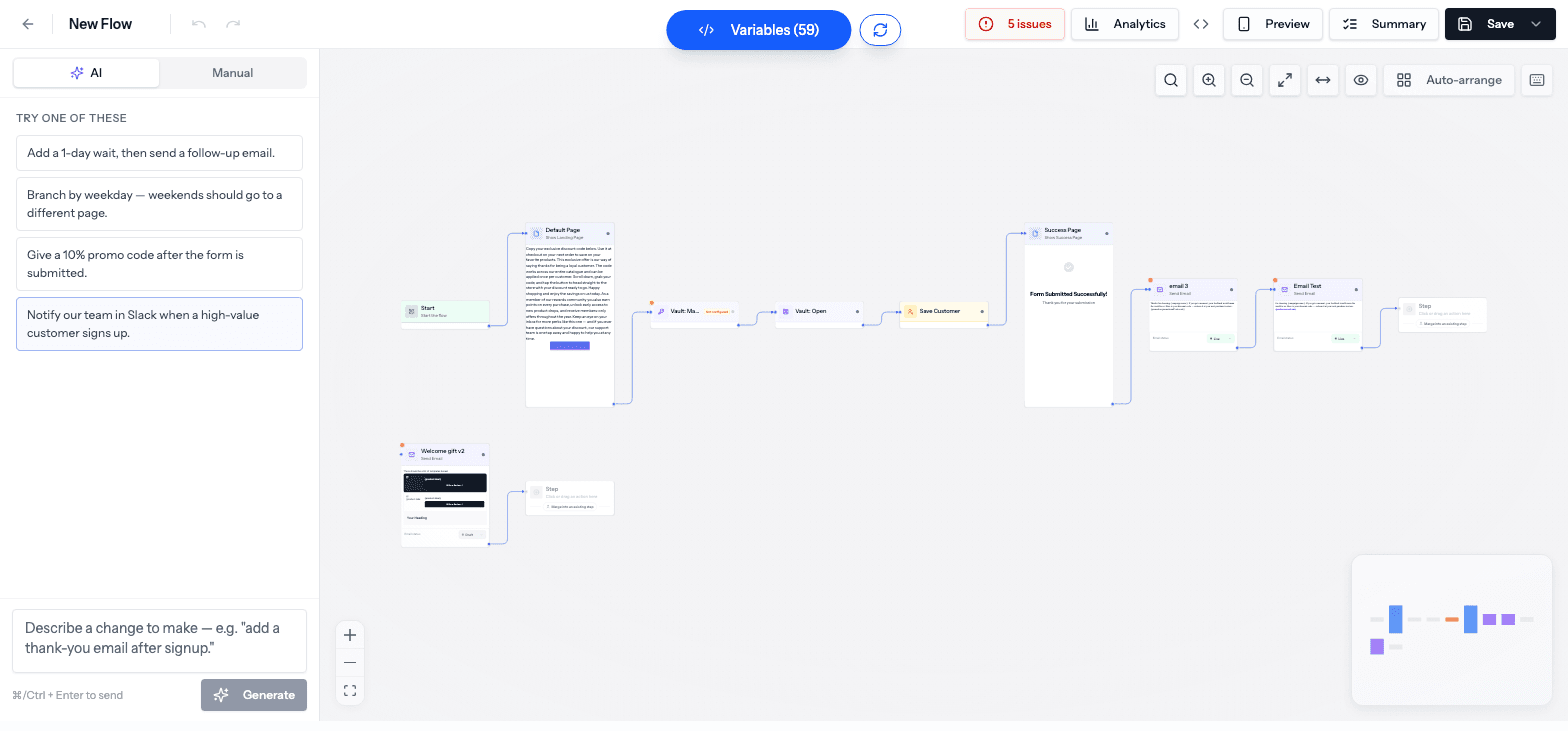
Every step you can add to a flow, grouped the way the Flow Builder's action list shows them.
Nodes are the building blocks of a flow. To add one, click a + on the canvas and pick an action from the list on the left, or drag it onto the canvas. You can also type in the search box at the top of the list to find an action by name.
This page follows the same groups you see in the action list.
Beta
Steps marked Beta below may not be switched on for your account yet — if you don't see one in your action list, that's why.
Integration steps (Klaviyo, Shopify, Attentive, and so on) need that app connected first. If it isn't, Swapt lets you know when you pick the step. Connect apps in Integrations.
The first step of every flow. Its settings choose how the flow is triggered: Manual (a customer scans a QR code or opens a link) or Webhook (another system starts the flow by calling a web address Swapt gives you).
The Popular group at the top of the list is a shortcut to the steps people use most: Show Page, Send Email, Send SMS, If / Then Branch, Apply Promotion, Wait, Random Split, A/B Test, and Internal Alert. Each one is described in its own group below.
Some steps have a shorter name in the list than on the canvas. For example, Show Page appears on the canvas as Show Landing Page, If / Then Branch as Conditional, and Create Customer as Save Customer. The tables below use the canvas names.
Shows a page, or captures form answers. Build the page in the page editor — see Landing pages and Forms.
Show Success Page
The confirmation page a customer sees once the flow is done.
Open Link
Sends the customer to a web address outside Swapt.
Call External API
Sends data to (or fetches data from) your own system.
Apply Promotion
Hands out a promo code or awards a prize. Its Selection Method picks which one: Specific Promotion, Inherit from Campaign, Random Promotion, Category Random, or Multiple Prizes. Switches include Apply to Order (applies the discount to the customer's cart at checkout), Send Notification, Display in Vault App, and One Code Per Customer. See Promotions.
Vault: Mark Prize Claimed
Marks a prize the customer won as claimed, which hides the claim button in their Vault.
Wallet PassBeta
Issues an Apple or Google Wallet pass — a warranty card, reorder reminder, setup guide, or club card. See Wallet passes.
Vault: Magic Link Login
Logs the customer in with a one-time magic link, then sends them on.
Vault: Open
Logs the customer in and opens their Vault — straight away if Swapt recognizes them, or by email otherwise.
In a Random Split, you can give each path a name (like "Free shipping" or "20% off") instead of Path 1, Path 2. The name shows on the canvas, on the connecting lines, and in your analytics, so it's clear what each path is testing. You can also reorder, duplicate, or remove paths from the step's settings.
The Integration group collects every connected-app step, sorted by app. (Shopify, Iterable, Slack, and ShipHero steps appear here too, as well as in their own groups above.)
Sends an event to the customer's Klaviyo profile. The event is called Submitted Swapt Code unless you give it a custom name — pick it as the trigger for a Klaviyo flow. Add your own Key / Value properties, using variables for the values.
Klaviyo: Track Event v2Beta
Sends an event to Klaviyo and automatically passes along everything captured in the flow. Name, email, phone, and address go into the customer's standard Klaviyo profile fields; everything else is saved both on the event and as a profile property starting with swapt_, so you can use it in Klaviyo segments and flows.